> ## Documentation Index
> Fetch the complete documentation index at: https://docs.aversure.com/llms.txt
> Use this file to discover all available pages before exploring further.
# File search
> Enabling file name search and PDF content search in a data room
This feature is only available in Standard Data Rooms.
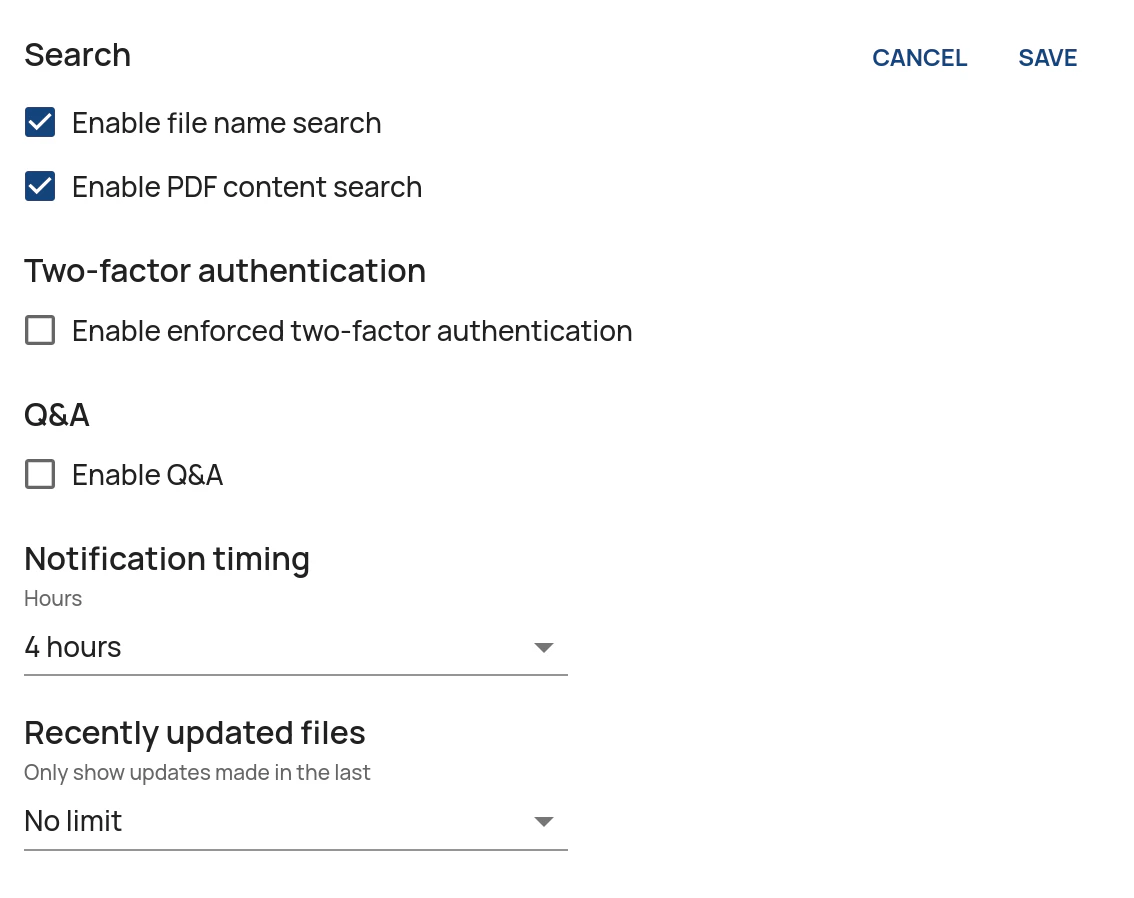
The Service offers two types of file search:
* **File name search** allows users to search for file names within the data room.
* **PDF content search** allows users to search for the content contained in PDFs, including scanned files.
To enable or disable file search:
1. In the **Administration Interface**, go to the **Data Rooms** page.
2. Click on **Edit** for the relevant data room.
3. Click on **Edit** in the **Other settings** pane.
4. Enable or disable the search capabilities by ticking or unticking **Enable file name search** and/or **Enable PDF content search**.
5. Click on **Save**.