> ## Documentation Index
> Fetch the complete documentation index at: https://docs.aversure.com/llms.txt
> Use this file to discover all available pages before exploring further.
# Placing files uploaded to answers
> How to place files attached to answers into data room folders
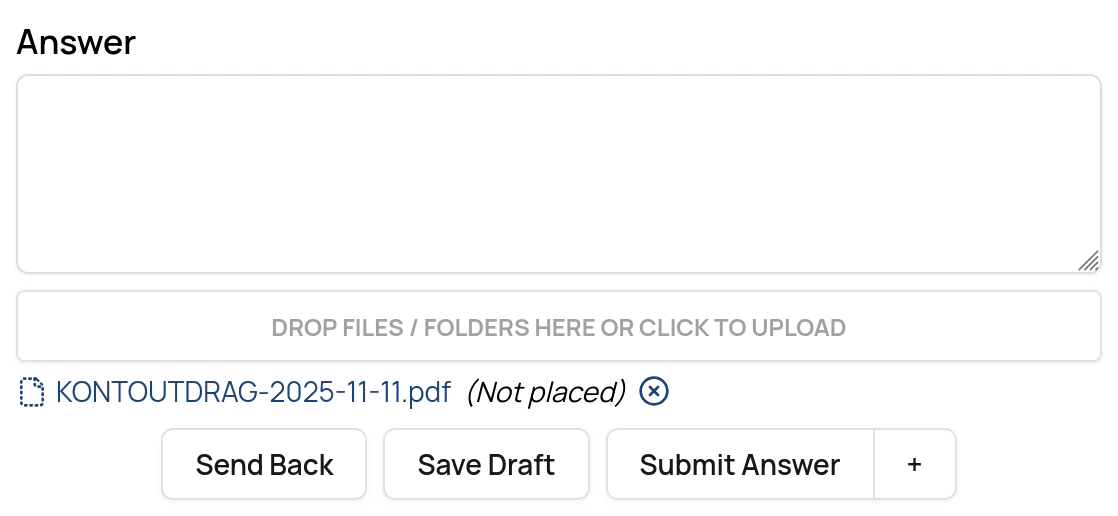
When a user uploads files directly to an answer, the files must be placed in a folder before the answer can be published.
Files need to be placed by a user with write rights to the folder where the files are placed.
When the question is published, the uploaded files that have been attached to the answer are automatically placed in the selected folder(s).
## Placing files
1. Inside the data room, bring forward the Q\&A panel by pressing the **Q\&A** button below the folder tree.
2. Click on **Show** for the question.
3. Drag each file from the answer to a folder in the data room.
You need write rights for a folder to place a file.
4. Click on **Confirm**, **Submit answer** or **Save draft** (as applicable).
* The system saves the folder placement and uses it to place the files in the folders when the question is published.