
- In the Administration Interface, go to the Data Rooms page.
- Click Edit for the relevant data room.
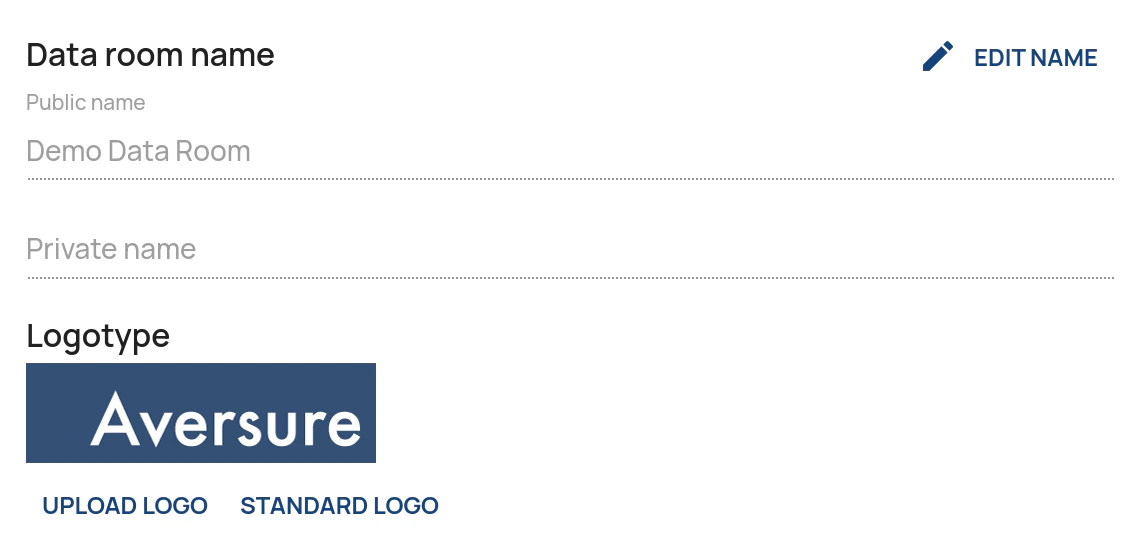
- Click on Upload logo if you want to upload a custom logo or Standard logo if you want the default logo to be shown. If a default logo has not been set, no logo will be shown.
Administrating Data Rooms
Adding a custom logotype
How to upload a custom logo for your data room
To add a custom logotype: