
Navigating the Q&A panel
The Q&A panel opens on the main view, which lists the standard question views (such as All questions, My questions, and Needing my attention), a search field, and the list of categories.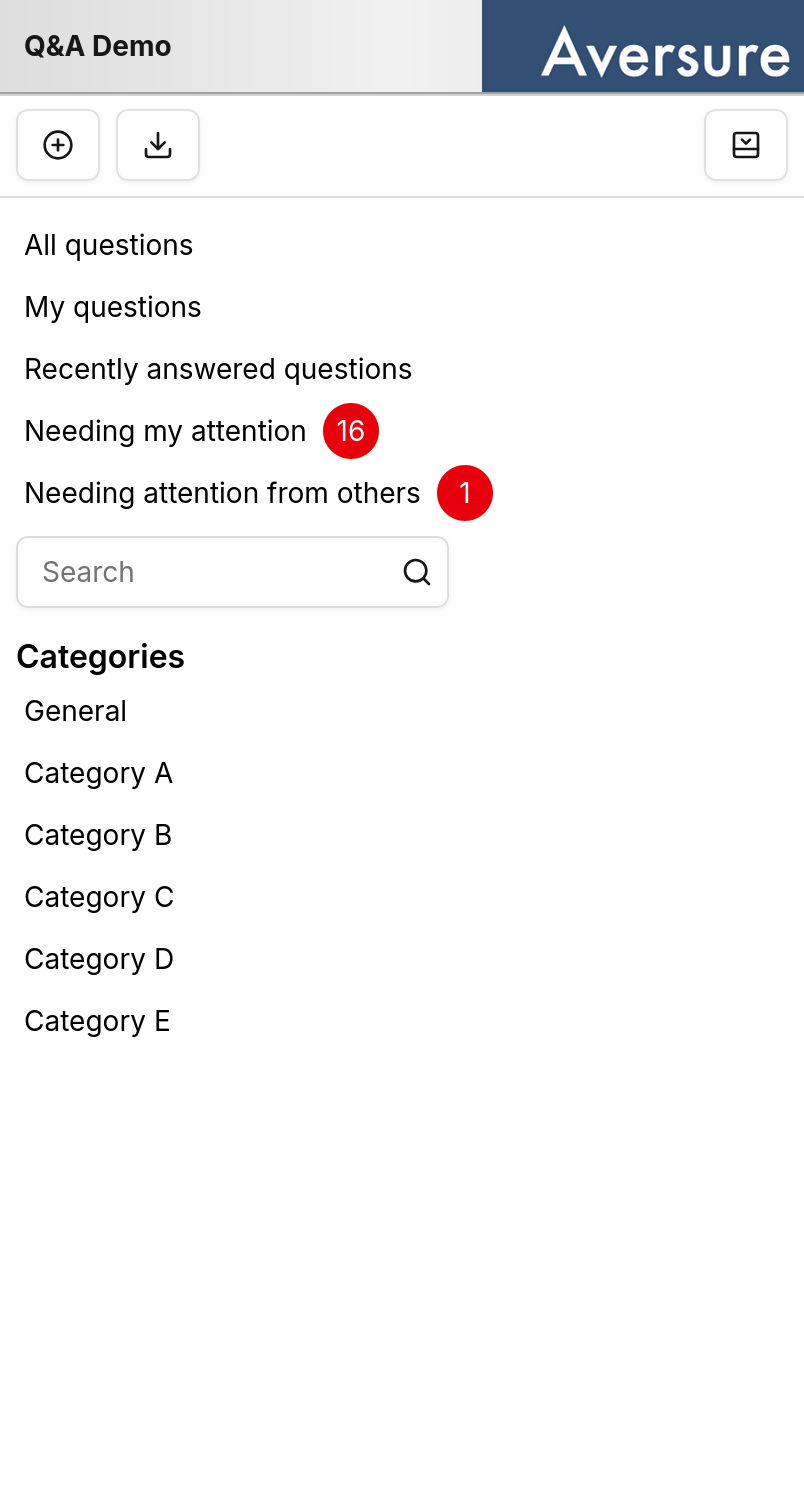
- Ask question — submit a new question.
- Export Q&A — export the Q&A.
- Close — close the Q&A panel and return to the files and folders view.
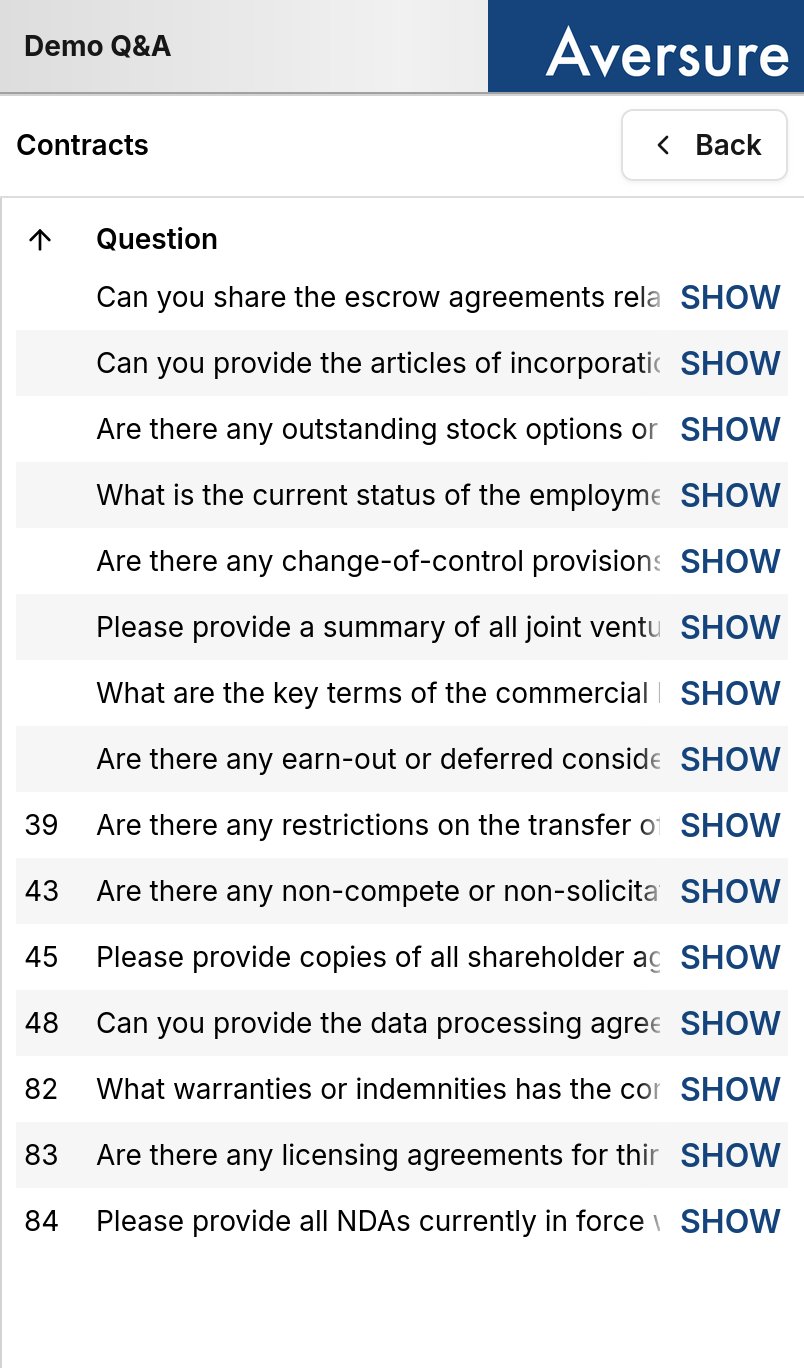
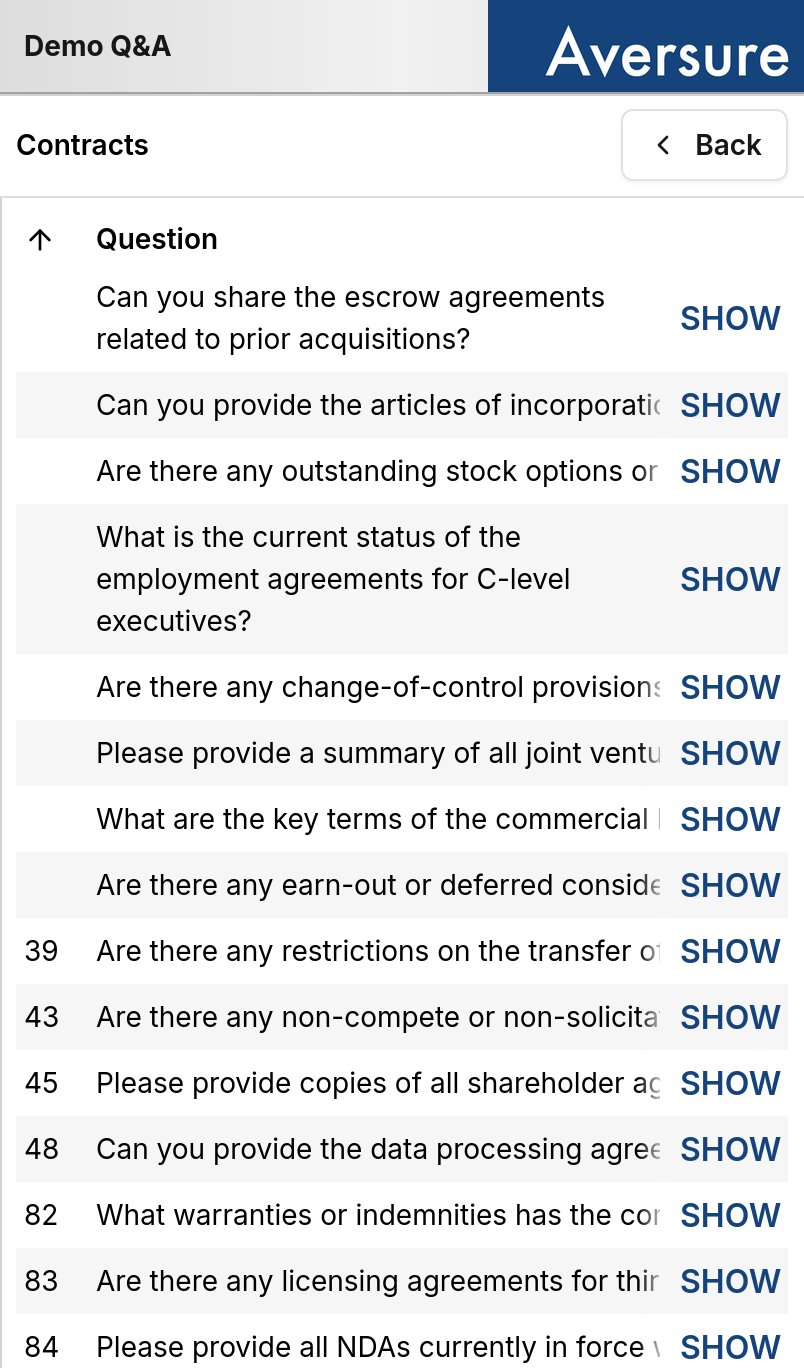
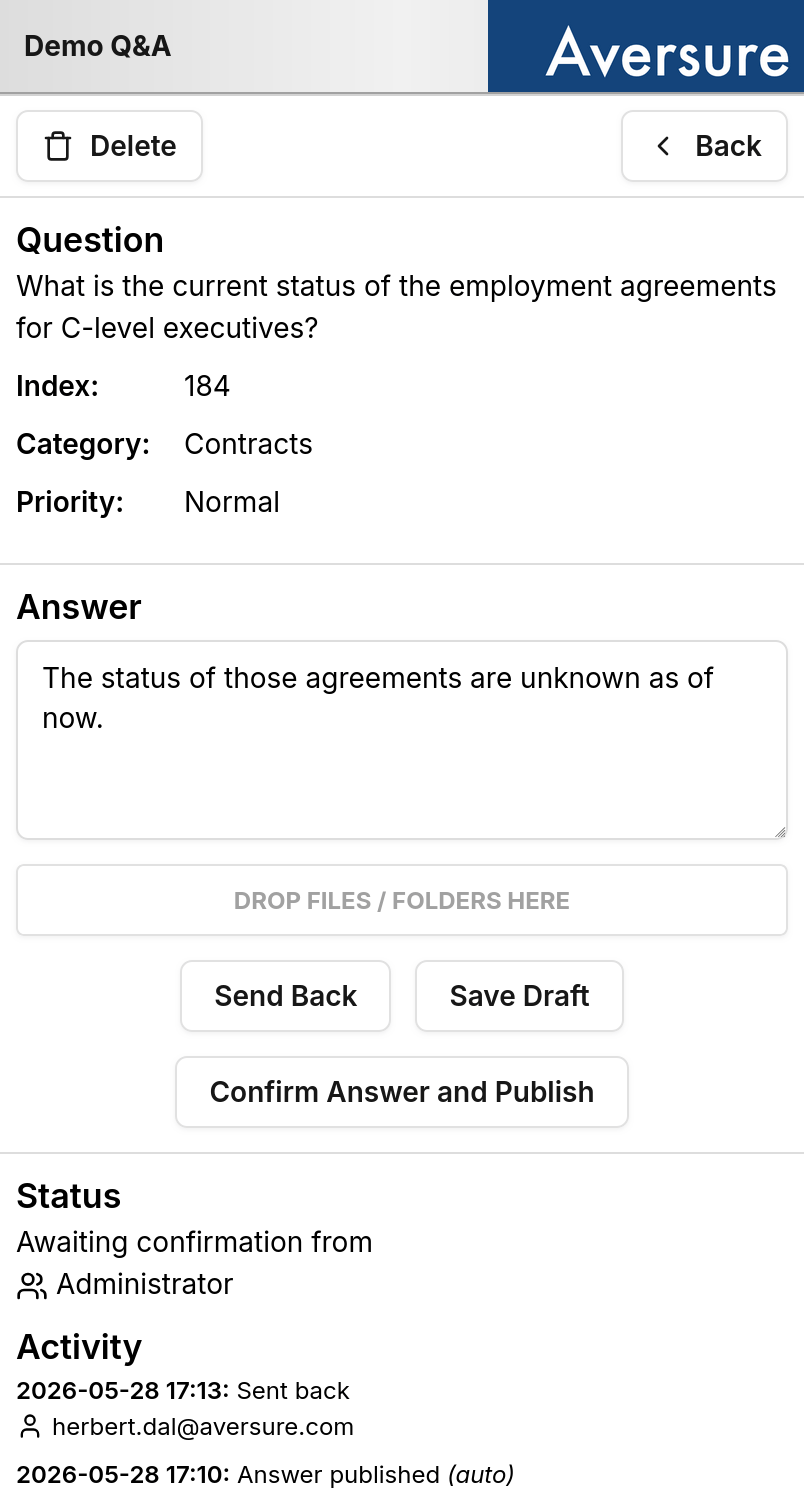
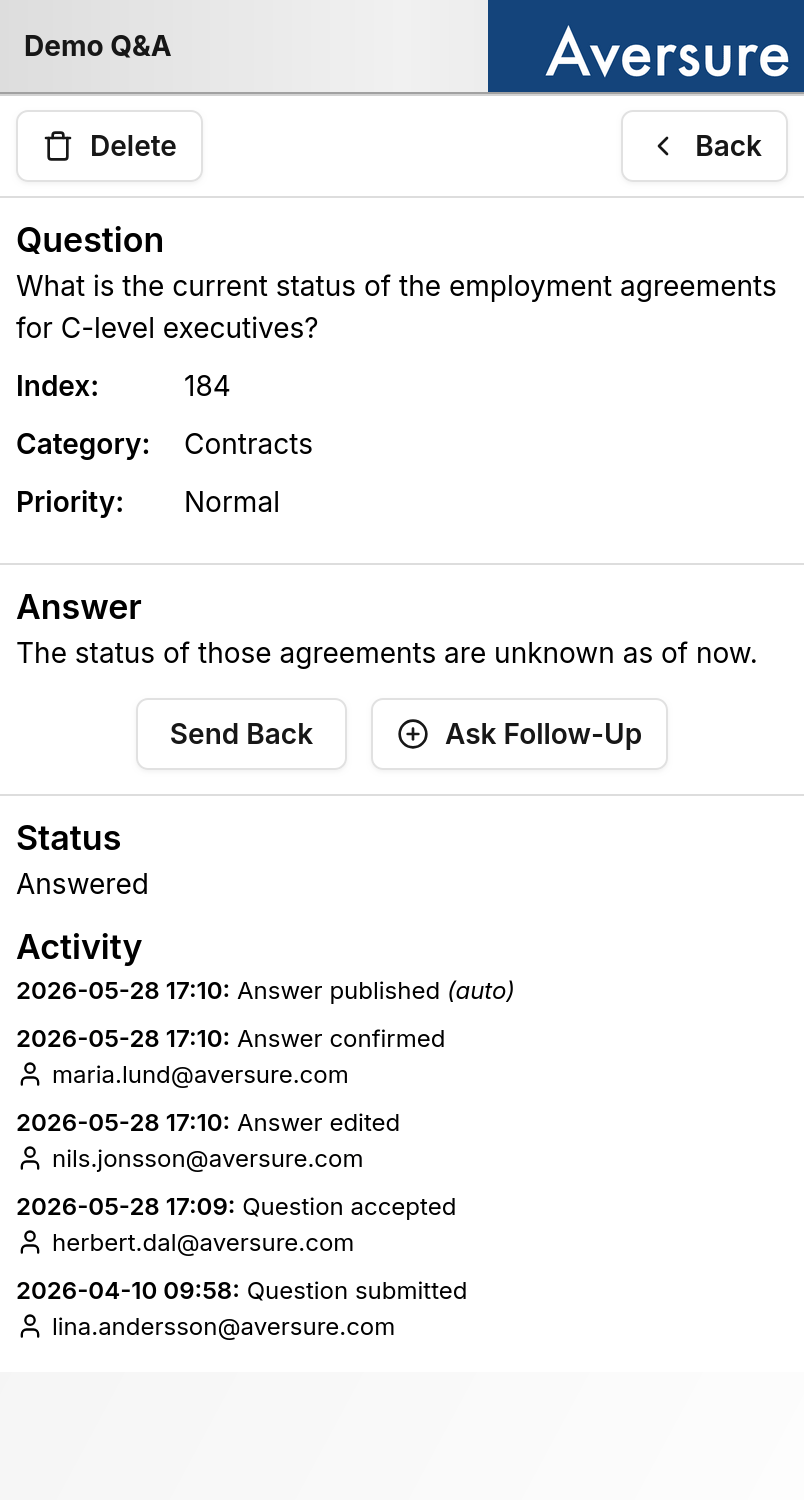
Files can be uploaded to an answer but they need to be placed in a data room folder using the desktop interface.
Differences from the desktop interface
Some Q&A features are not available on the mobile interface:- Bulk handling of questions. Actions that operate on several questions at once are only available on the desktop interface. On mobile, questions are handled one at a time.
- Columns. The number of columns shown depends on your screen size. If you want to see more, try putting your phone in landscape mode.