This feature is only available in Standard Data Rooms.
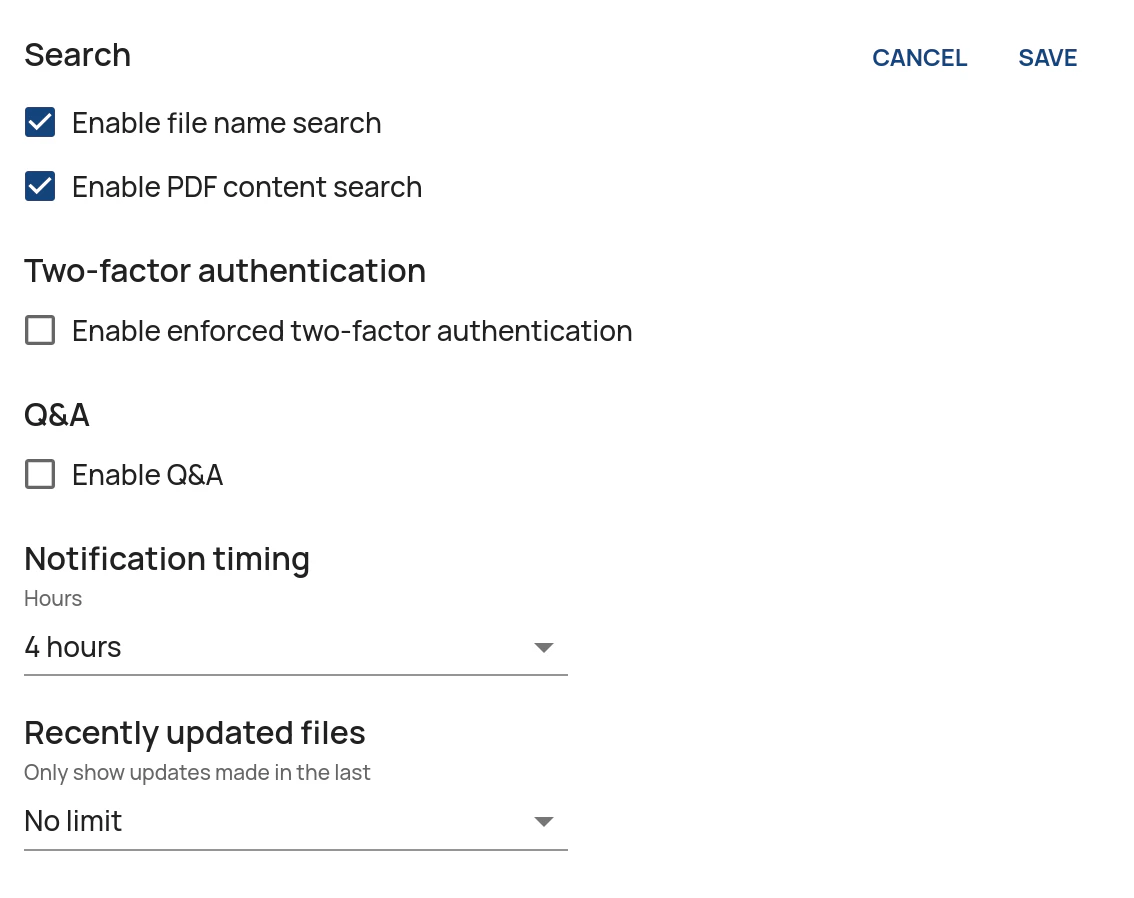
- File name search allows users to search for file names within the data room.
- PDF content search allows users to search for the content contained in PDFs, including scanned files.
- In the Administration Interface, go to the Data Rooms page.
- Click on Edit for the relevant data room.
- Click on Edit in the Other settings pane.
- Enable or disable the search capabilities by ticking or unticking Enable file name search and/or Enable PDF content search.
- Click on Save.