
- The number of new files that have been uploaded to the data room.
- If questions that the user has asked have received answers.
- If the user needs to attend to a question (e.g. to answer it or to confirm an answer).
- If warnings have been triggered (sent to administrators only). See Warnings for more information.
Changing notification frequency
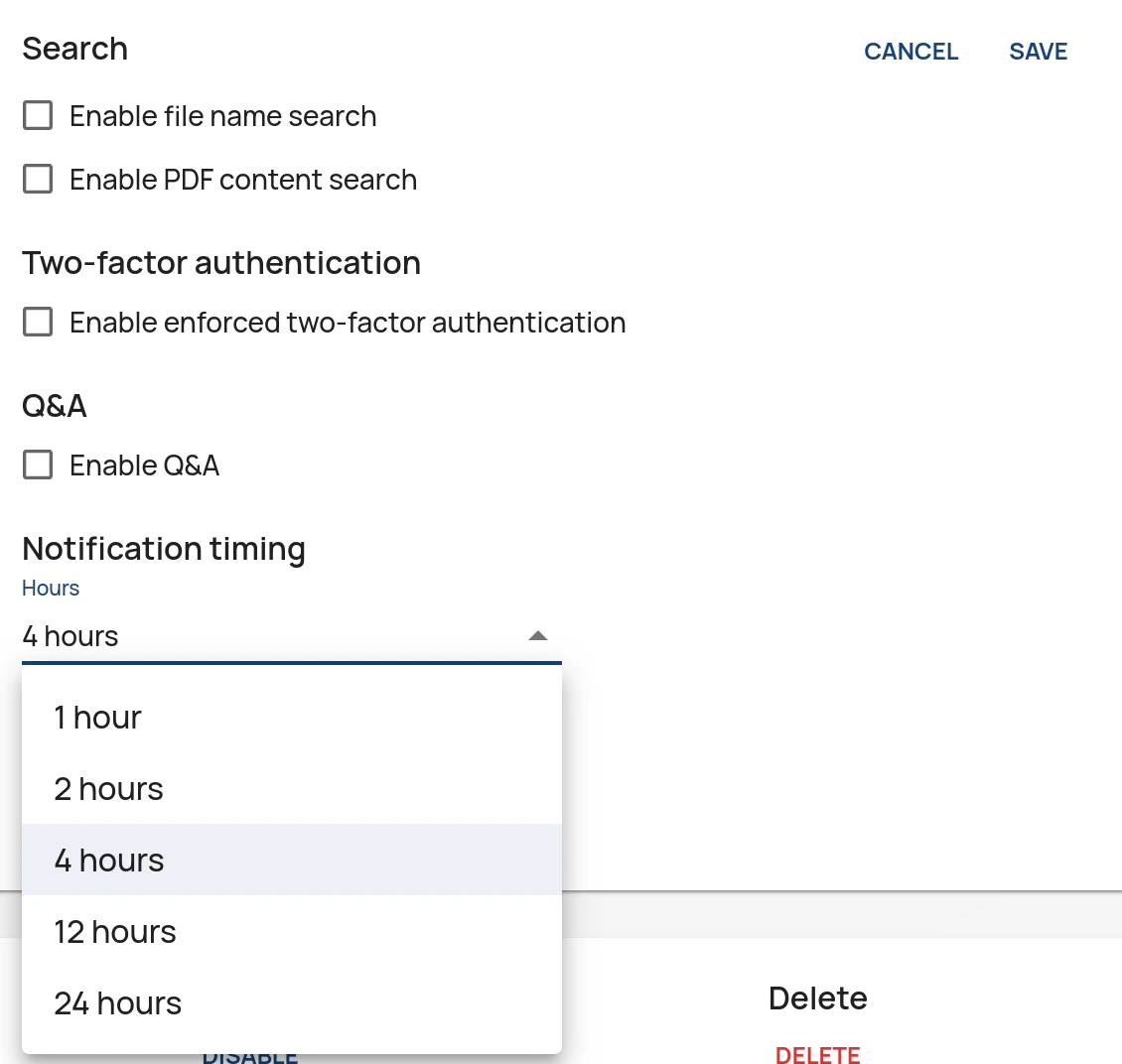
Control notification frequency by adjusting the Notification interval setting on the Data Rooms page in the Administration Interface. To change this setting:- Click Edit for the data room.
- Click Edit in the Other settings pane.
- Adjust the interval.
- Click Save.
Disabling notifications
Administrators can disable notifications for selected user groups by unticking the Send email notifications when data room is updated checkbox on the User Rights page of the Administration Interface.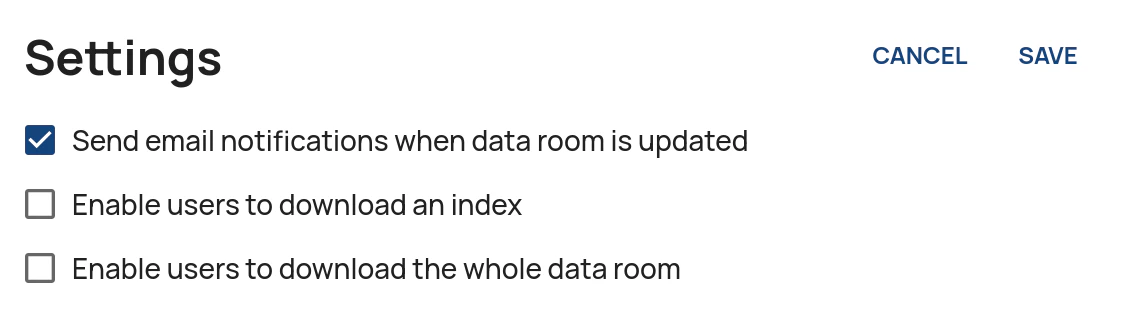
When notifications are sent
8 am (08:00) UTC (Coordinated Universal Time) is used as the reference time for notifications.- If notifications are sent out every 24 hours they are sent out at 8 am (08:00) UTC.
- If they are sent out every 12 hours, they are sent out at 8 am (08:00) and 8 pm (20:00) UTC.
- If notifications are sent out every four hours, they are sent out at 8 am (08:00), 12 pm noon (12:00), 4 pm (16:00), 8 pm (20:00), 12 am midnight (00:00) and 4 am (04:00) UTC.