
Confirming an answer
- Inside the data room, bring forward the Q&A panel by pressing the Q&A button below the folder tree.
- Click on the Needing my attention selector or on a category selector.
- Click on Show for the question to be confirmed.
- Place any files that have been uploaded directly to the answer.
-
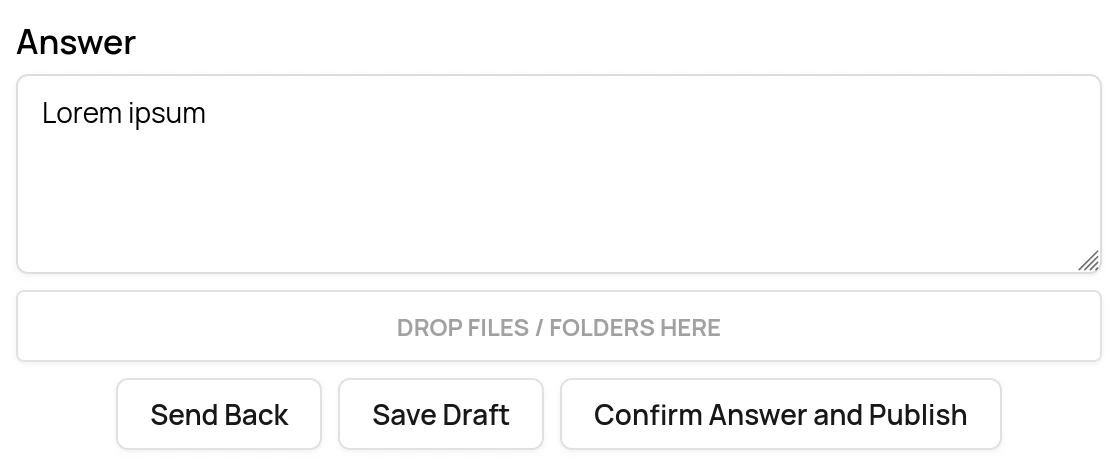
Click the Confirm Answer and Publish button to confirm the answer.
- If multiple Confirmation steps have been added to the pipeline, the button will say Confirm Answer for all confirmation steps bar the last one.
-
Click the Send back button to send the question back to the preceding step in the pipeline (the Answering step).
Confirming several answers
On desktop, you can confirm several answers at once.- Select the answered questions in the question list.
- Click Confirm Answers in the top menu.
- Review the questions listed in the confirmation dialog.
- Click Confirm Answers.