This feature is only available in Standard Data Rooms.
Reordering files and folders
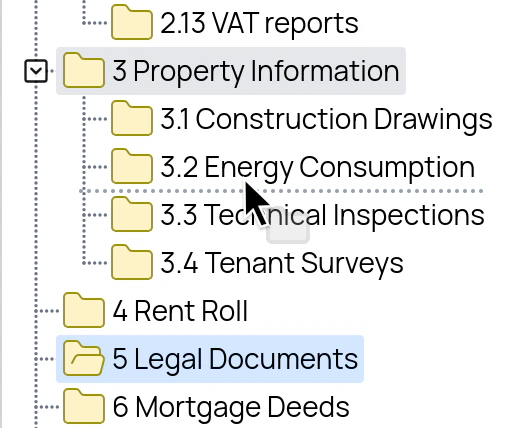
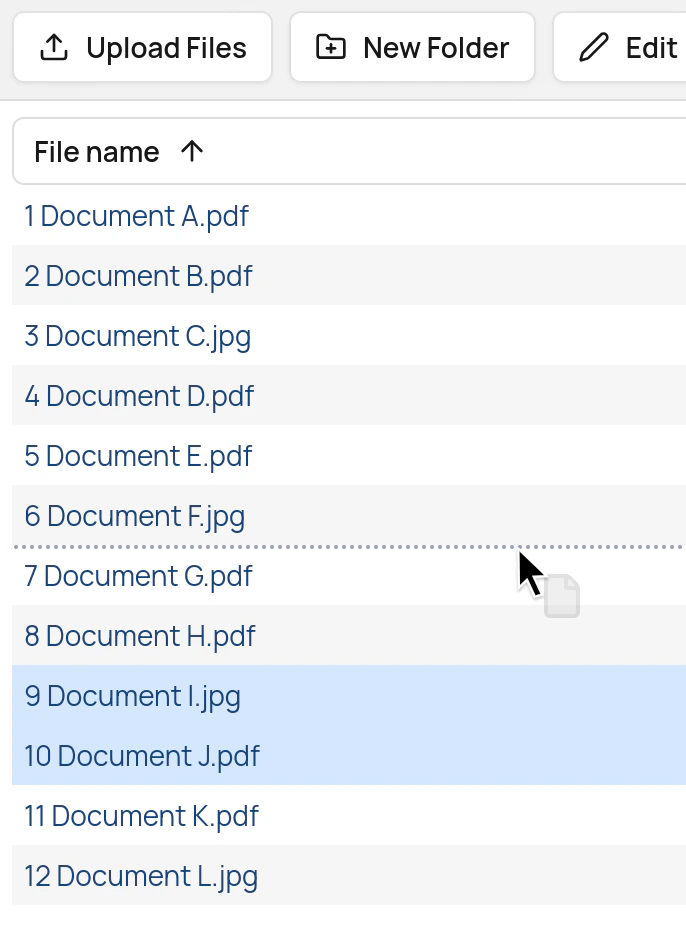
Files and folders can be reordered by dragging them in the file list or the folder tree.
When a file or folder is dropped, a Confirm Reordering dialog appears. Click on the Reorder button to apply the new ordering, or Cancel to leave the ordering unchanged. Multiple files may be selected by using the Shift key or the Ctrl key (Cmd on Mac).
All users with write rights in a folder are able to reorder the contents of the folder.
Reindexing a folder or the whole data room
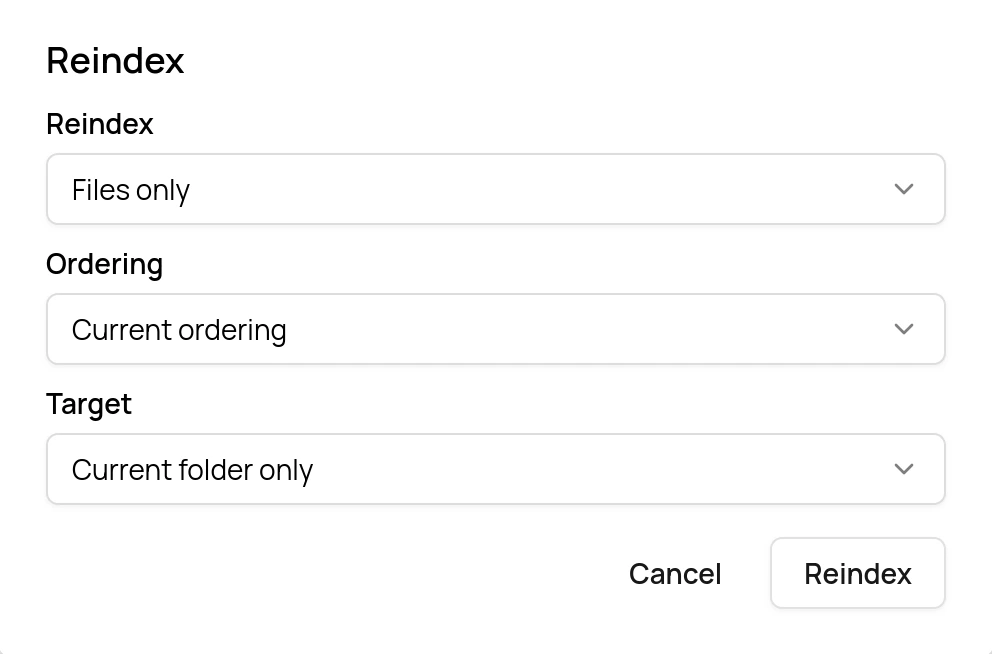
To close index gaps or order files and folders alphabetically, use the Reindex button in the top menu.
You can reindex a single folder, a folder with all its subfolders or the entire data room.
 To reindex the entire data room, select the top folder of the data room, click the Reindex button and set Target to Current folder and subfolders. To reindex only parts of the data room, select a folder deeper in the folder tree instead.
The reindexing operation is irreversible and can change the whole ordering (and thus the index structure) of a data room. The Reindex button is therefore available to administrators only.