Placing files
- Inside the data room, bring forward the Q&A panel by pressing the Q&A button below the folder tree.
- Click on Show for the question.
-
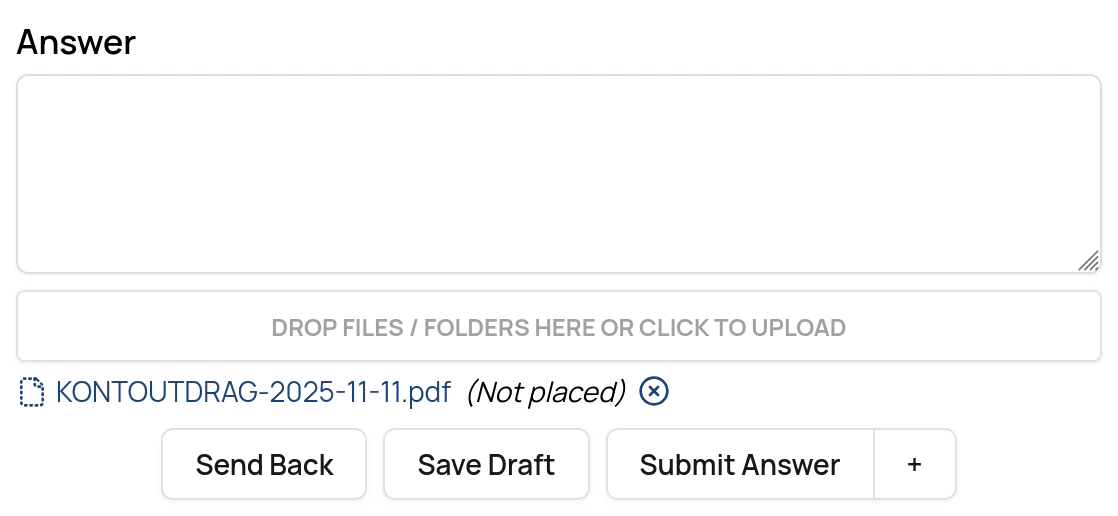
Drag each file from the answer to a folder in the data room.
You need write rights for a folder to place a file.
-
Click on Confirm, Submit answer or Save draft (as applicable).
- The system saves the folder placement and uses it to place the files in the folders when the question is published.